

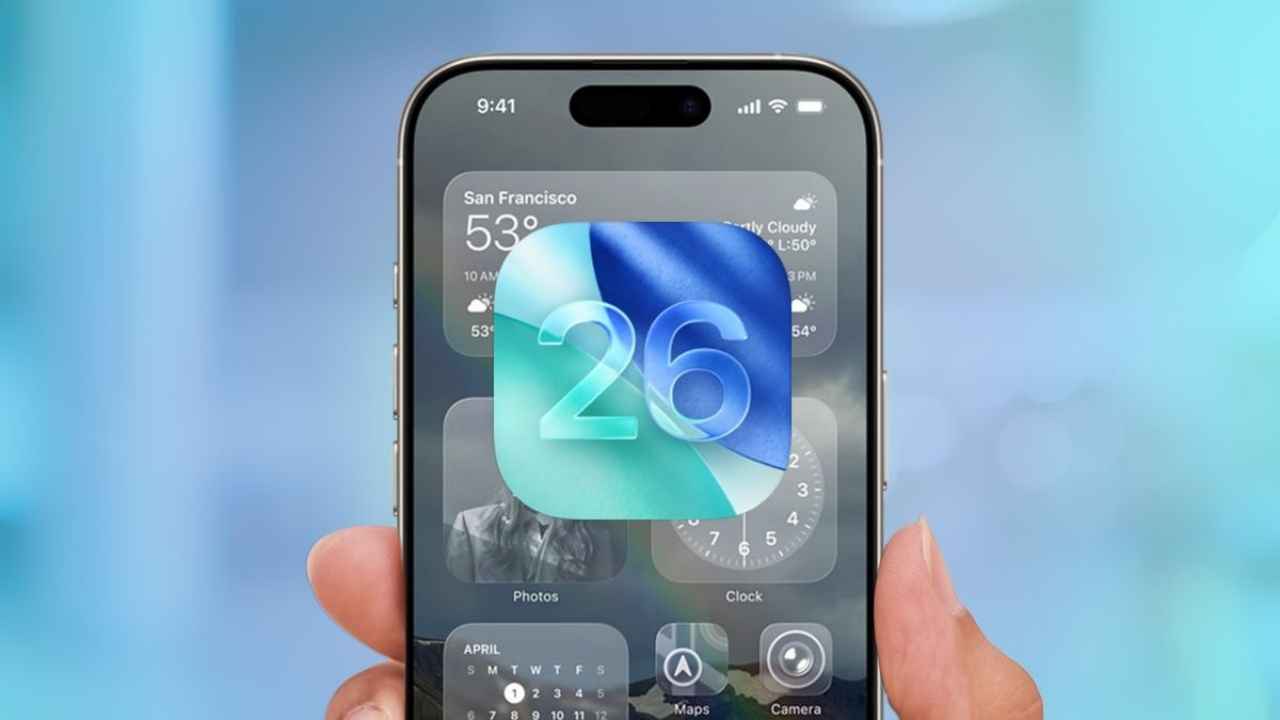
iOS 26 Public Beta 2:With the release of iOS 26 Public Beta 2, Apple has made another big step forward in making its mobile operating system. This update comes after the first public beta was released and is now available to everyone who is signed up for the Apple Beta Software Program. Apple is using feedback from the public to improve and polish the new features and changes that will be in the official version of iOS 26 later this year, just like it has done in the past.
Important Features of iOS 26 Beta 2 for the public
Apple is working on both new features and improvements to the user experience for iOS 26, which looks like it will be a big update. Public Beta 2 builds on what was done in earlier versions by adding new features and fixing problems that early testers found. Here’s a closer look at what’s new and better in this version:
1. More options for customization and personalization
Customization is still a big part of iOS 26. Apple has made the lock screen and home screen even more flexible in Public Beta 2. Users can now choose from a wider range of lock screen widgets, including those made by other companies. This makes the experience more personalized. Layouts for the home screen are now more flexible, with better support for stacking widgets and the long-awaited ability to move app icons around more freely.
There are also more dynamic wallpapers. Users can change their wallpapers based on the time of day, the weather, or even events on their calendar. This makes the iPhone experience feel new and unique.
2. Improvements to performance and stability
Improving system performance and stability is one of the main goals of every beta release. Public Beta 2 makes a lot of progress in this area. Testers say that switching between apps and launching them is smoother, the apps respond better, and there are fewer crashes that happen out of the blue. The first beta had problems with animation stuttering and UI glitches, but these have mostly been fixed, making the experience much smoother.
Apple warns that optimization is still going on and that users should expect more changes in future betas. However, battery life, which is always a concern with early beta releases, seems to have gotten better as well.
3. A Control Center that is easier to use
The Control Center is another part of iOS 26 that is getting some attention. The layout of Public Beta 2 is cleaner and more customizable, and the controls that are used most often are better organized. Apple has added small visual cues that make navigation easier, especially on larger iPhone models. Users can now move and resize controls to fit their needs.
The goal of this update is to cut down on clutter and make it easier for users to get to important settings quickly, which is something that the iOS community has asked for many times.
4. New and better tools for making things easier to use
Accessibility is still a key part of Apple’s philosophy for how users should experience their products. iOS 26’s Public Beta 2 adds a number of new features to the iPhone that are meant to make it easier for everyone to use. Advanced voice control options make hands-free navigation feel more natural and accurate. The added text-to-speech support adds more languages and regional accents.
Apple has also added more detailed display options, like better color filters and font changes, which make it easier for people with vision problems to change the look of their interface.
5. Fixes for bugs and better stability
There are always bug fixes before a beta release, and Public Beta 2 is no different. Some of the most important issues that have been fixed include Face ID glitches that made it less reliable, problems with sending messages in the Messages app, and notifications that didn’t always work for some third-party apps.
Apple wants everyone who is testing the beta to use the built-in Feedback app to report any new or ongoing problems. This helps shape the final public release.
How to Download and Install iOS 26 Public Beta 2
It’s easy to try out iOS 26 Public Beta 2 if you want to:
Make a backup of your device: Before you install any beta software, use iCloud or your computer to make a full backup. This step is very important if you need to go back to an older version.
Sign up for the Beta Software Program: Sign in to the Apple Beta Software Program website with your Apple ID.
Sign Up Your Device: To download the beta profile, follow the instructions on the screen.
Public Beta 2 is now available: On your iPhone, go to Settings, then General, and then Software Update. You should see the iOS 26 Public Beta 2 as an update that is available. Install it like you would any other update.
Should You Install the Beta?
It’s easy to be drawn to new features, but you should remember that beta software is still being worked on and may not be as stable as official releases. Some apps, especially those for banking or important business tasks, may not work right, and problems can happen that you didn’t expect.
You might want to wait until closer to the final release or install the beta on a second device if you depend on your iPhone for important daily tasks. But if you want to see what’s coming and help Apple by giving them feedback, the public beta program is a great way to do that.
Looking Forward
Apple is likely to release more beta versions in the next few months. Each one will improve the product and may add new features. The company cares about what users think, so your input as a beta tester can really change the final product.
As iOS 26 gets closer to being available to everyone, keep an eye out for more news. While you’re waiting, have fun looking at the new features and let Apple know what you think. Your feedback helps shape the future of iOS.